

One AI chat agent for all your channels.
It answers from your business knowledge, helps customers book and hands the chat to your team when a person is needed.
WhatsApp, SMS, Telegram, Instagram and your site chat.
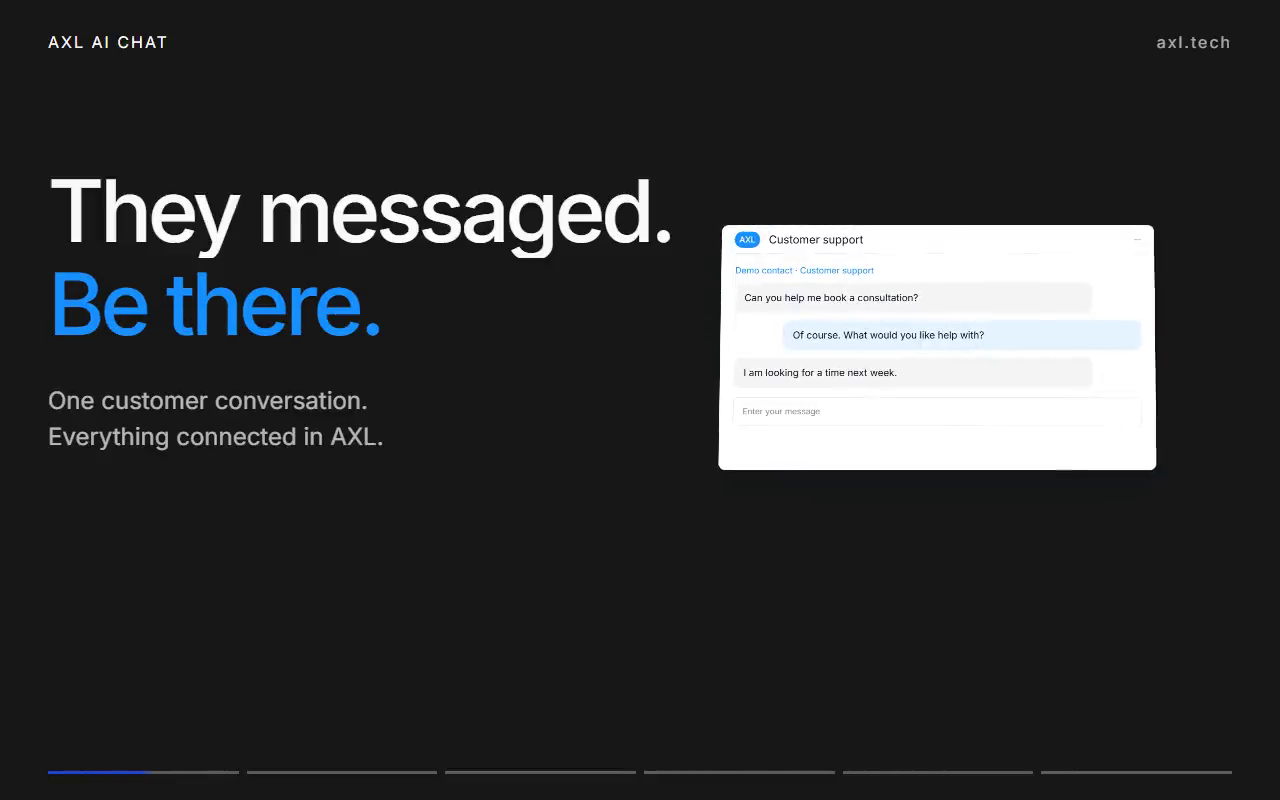
Preview ready
Your knowledge in, helpful answers out.
Give the agent instructions and files, pick its channels and attach booking pages. Your team can step in at any moment.
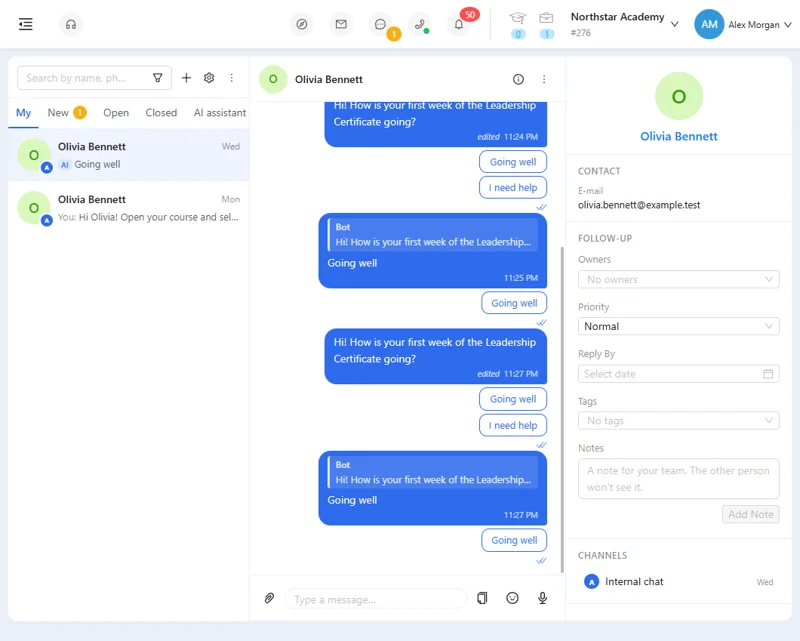
- Knowledge. Your files and rules for what to say.
- Channels. WhatsApp, SMS, Telegram, Instagram and site chat.
- Booking. It books from your booking pages, never an invented time.
- Handoff. The chat goes to your team with its history.
Good to know: Each channel keeps its own rules: WhatsApp templates and windows, SMS registration and carrier charges.
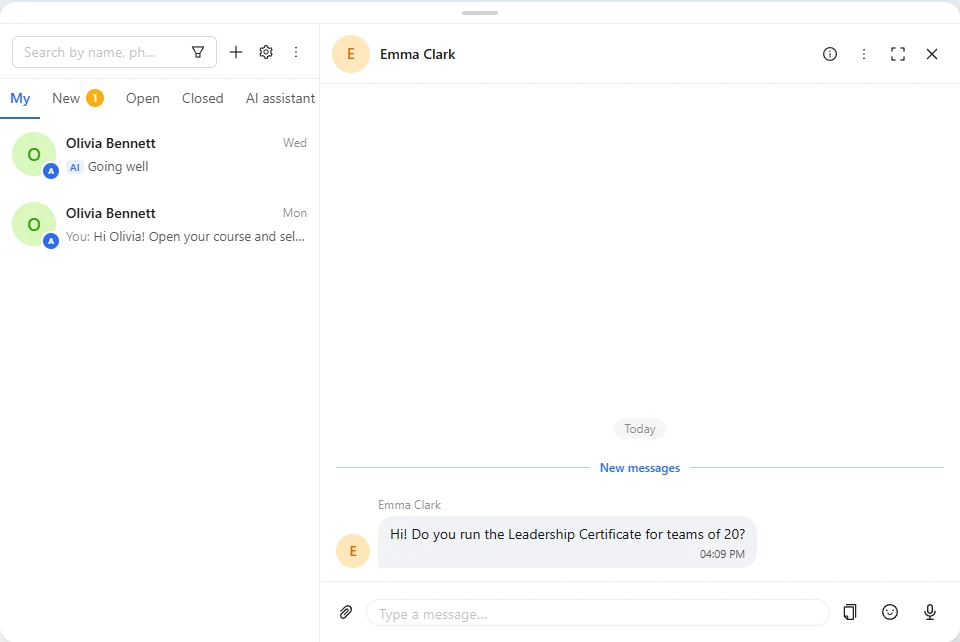
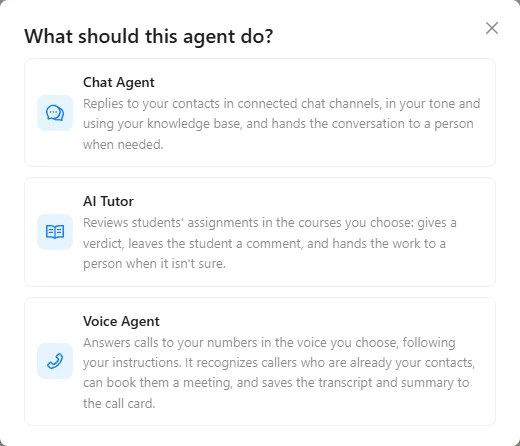
The inbox, channels and bots.
Screens from a demo academy account. Open any of them to see it full size.


From a question to the next step.
- Website chat Put the chat button on your site; the agent answers there too. Live chat →
- Qualify an enquiry Collect what your team needs before a salesperson joins. The CRM →
- Book a consultation Offer real free slots from your booking pages. Booking →
- Support after purchase Answer common questions, hand the rest to a person. Chat analytics →
Tell the assistant what good support looks like.
- 01 Connect the channels Finish any provider activation they need. Settings → Channels
- 02 Describe the agent Task, knowledge, channels and booking permissions. AI Assistant
- 03 Test and switch on Try questions in the playground first. Agent → Playground
Create a chat agent for our connected WhatsApp and SMS channels. Use our FAQ, help people choose a service and book a consultation. Hand unclear questions to our team.
- 1. Creates a chat agent on your WhatsApp and SMS channels.
- 2. Answers from your FAQ and helps people pick a service.
- 3. Books consultations from your booking pages.
- 4. Hands unclear questions to your team.
Paste it into the AI Assistant inside AXL, or into Claude, ChatGPT or Cursor connected over MCP. Voice agents →
An AI chat agent without per-seat or per-answer fees.
Entry prices, billed monthly. The units differ, so they are printed as the vendor sells them.
| Tool | Price | What the price covers |
|---|---|---|
| AXL Starter | $49 a month | 25,000 messages and 200 AI credits, plus CRM, email, booking and sites |
| Intercom Essential | $39 per seat, plus $0.99 per AI resolution | Live chat, shared inbox and help centre |
| Chatfuel | $69 a month | Instagram, Facebook and WhatsApp automation |
From intercom.com/pricing and chatfuel.com/pricing. Extra AXL AI credits cost $0.01 each; carrier SMS is charged separately. AXL rates on axl.tech/pricing.
Questions people ask.
No. The built-in AI Assistant helps you set up AXL. Your chat agent answers customers on the channels you assign.
Yes. Pick the connected channels in the agent settings. Do not assign two agents to the same channel.
No. An agent with no channels selected answers nowhere. A scenario can also call an agent.
An agent on an already connected channel is quick to set up. WhatsApp setup and SMS approval depend on the provider.
No. AI usage and channel-provider charges are separate, and carrier SMS is not the same as platform messages.
Give your customers a helpful first reply.
Free plan, no card needed. AI replies use AI credits.
Give your customers a helpful first reply.
Your knowledge. One connected channel. An AI agent ready to help. Start with the questions your customers ask most.