

Take payments on your own pages. Keep 100% of the sale.
Checkout, subscriptions, promo codes and upsells, with the payment provider you already use. Every order lands on the CRM contact.
AXL takes 0% of your revenue. Your provider’s processing fee still applies.
Your checkout, your provider, your customer record.
Sell from any AXL page with a checkout block. The order, the payment and the customer stay together in the CRM.
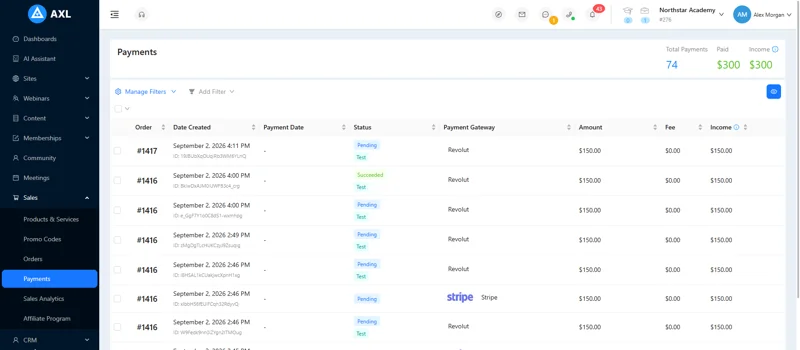
- Checkout. A block on your page, not a redirect to someone else’s.
- Six product types. Digital, physical, service, course, subscription and cohort.
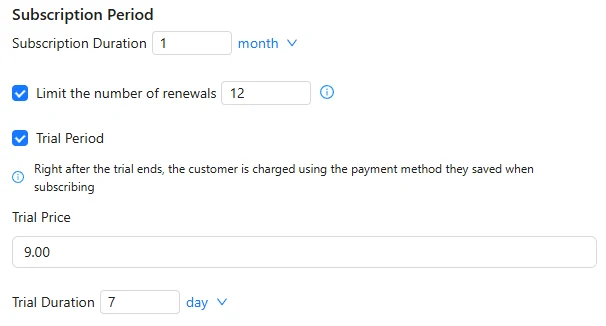
- Subscriptions. Trials, renewal limits, retries and self-service pause.
- Fees in view. Each payment shows the fee and what you keep.
Good to know: AXL does not calculate tax or issue invoice documents. Several currencies means several connected providers.
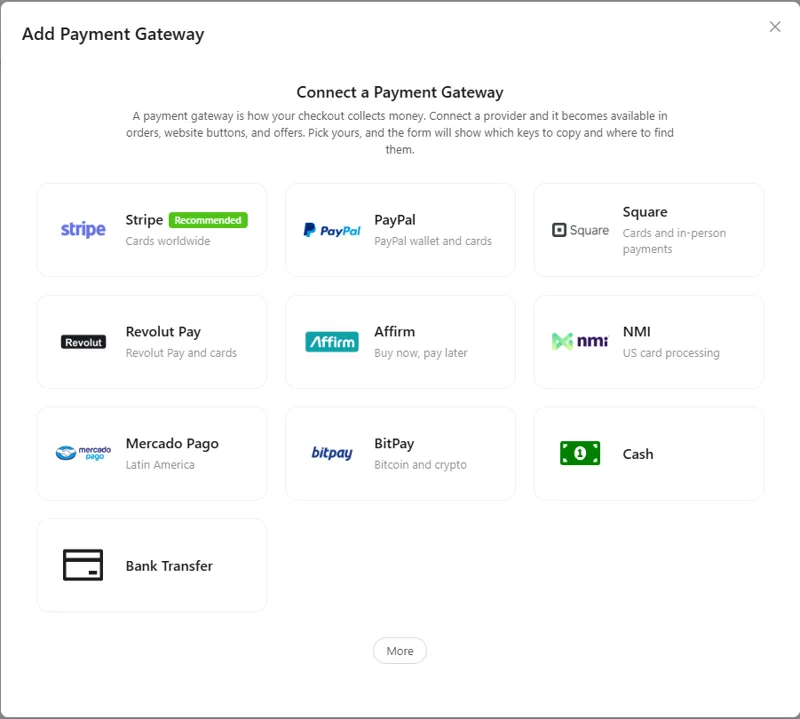
Connect the provider you already use.
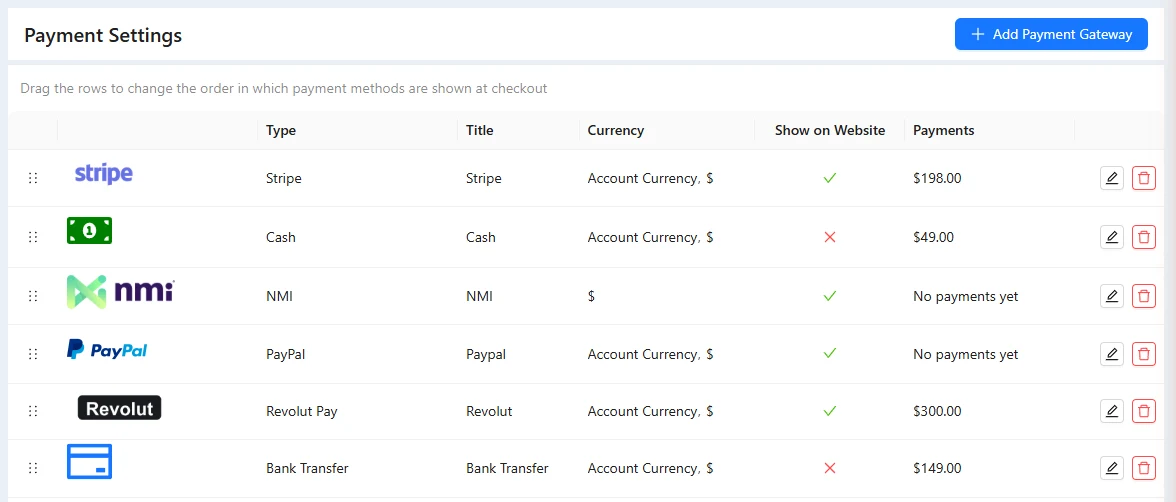
Connect one or several. Drag them into the order buyers see at checkout, and use a different provider for a deposit or another currency.



- Cash
- Bank transfer
Logos belong to their owners. Availability depends on your country and the provider’s own approval.
Gateways, subscriptions, codes and orders.
Screens from a demo academy account. Open any of them to see it full size.
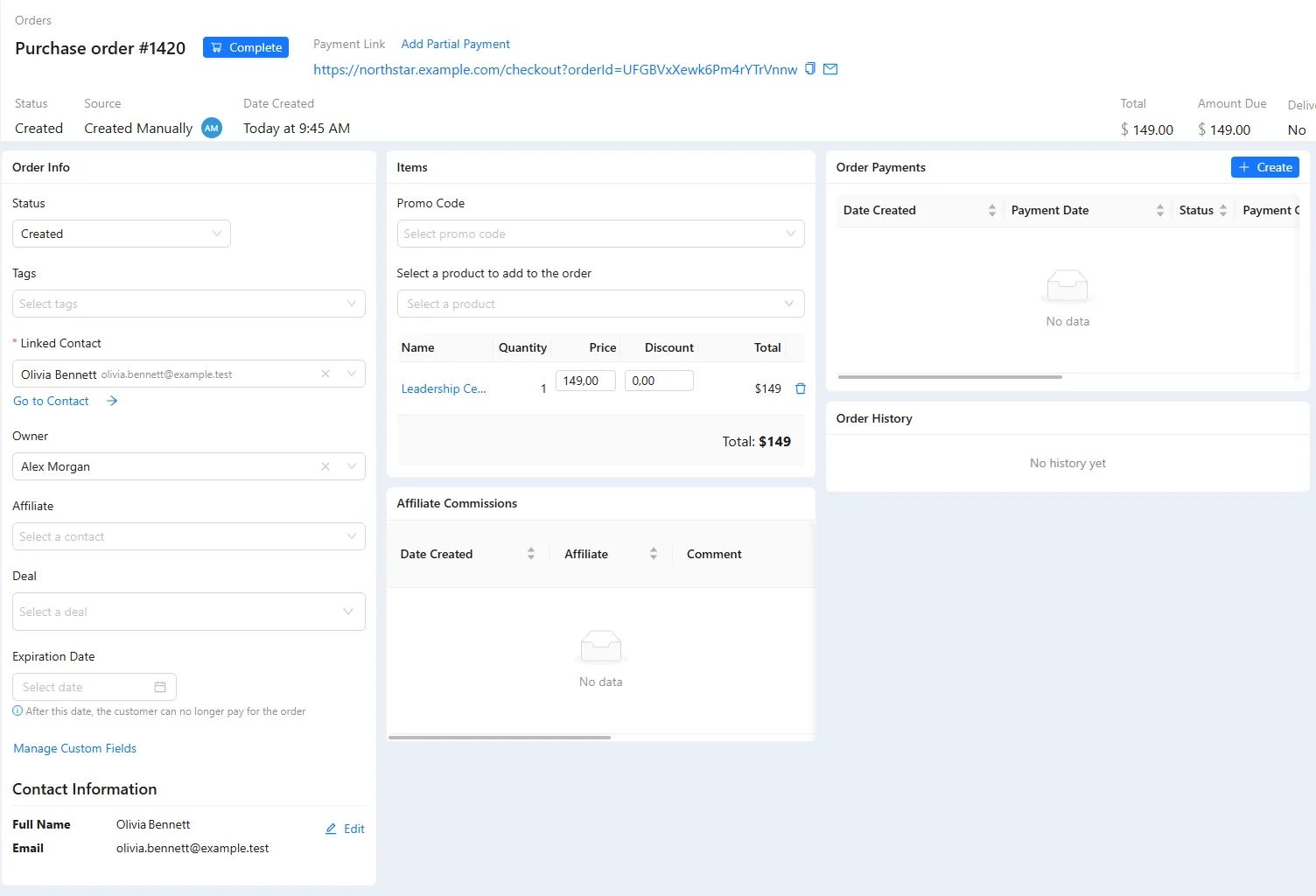
Everything between “Buy” and the receipt.
- Checkout on your page Order bumps, one-click upsells and your own thank-you page. Build the page →
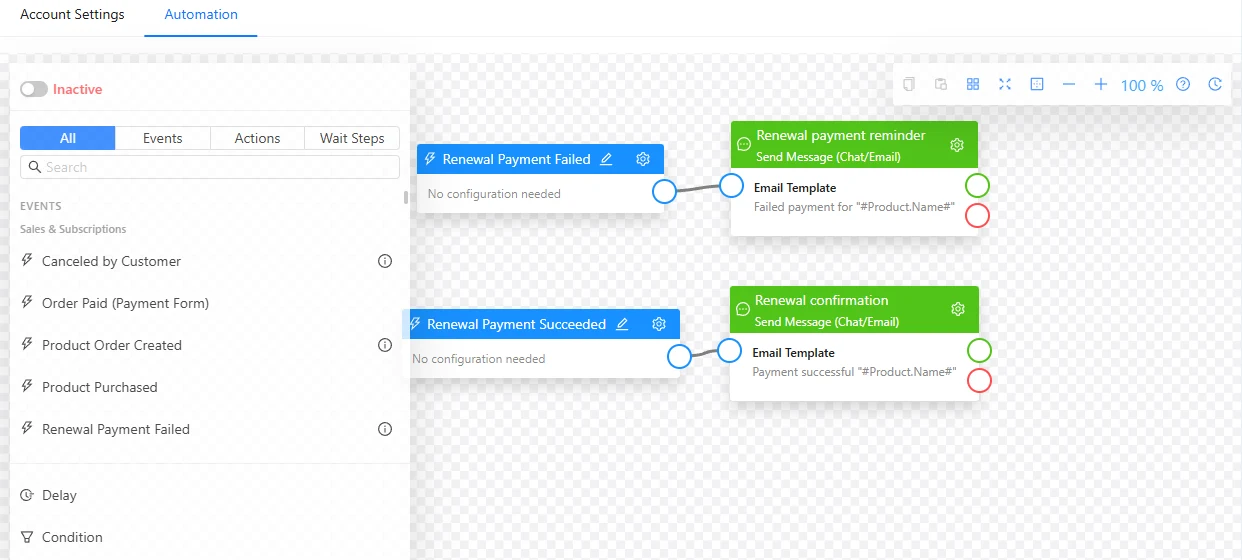
- Subscriptions A failed card starts an automation; members can pause and resume. Dunning flows →
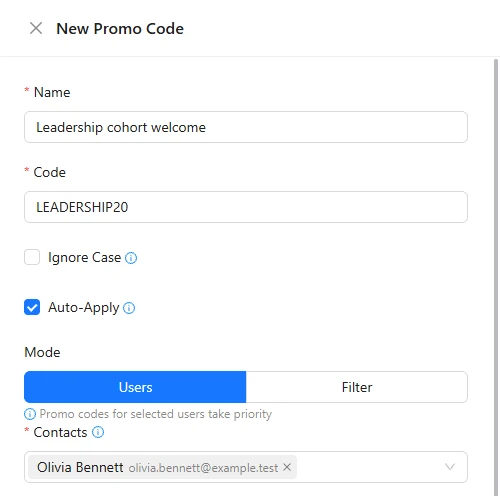
- Promo codes Limits count only paid orders; codes can apply themselves.
- Payment links Copy a link to any order and send it by email or chat.
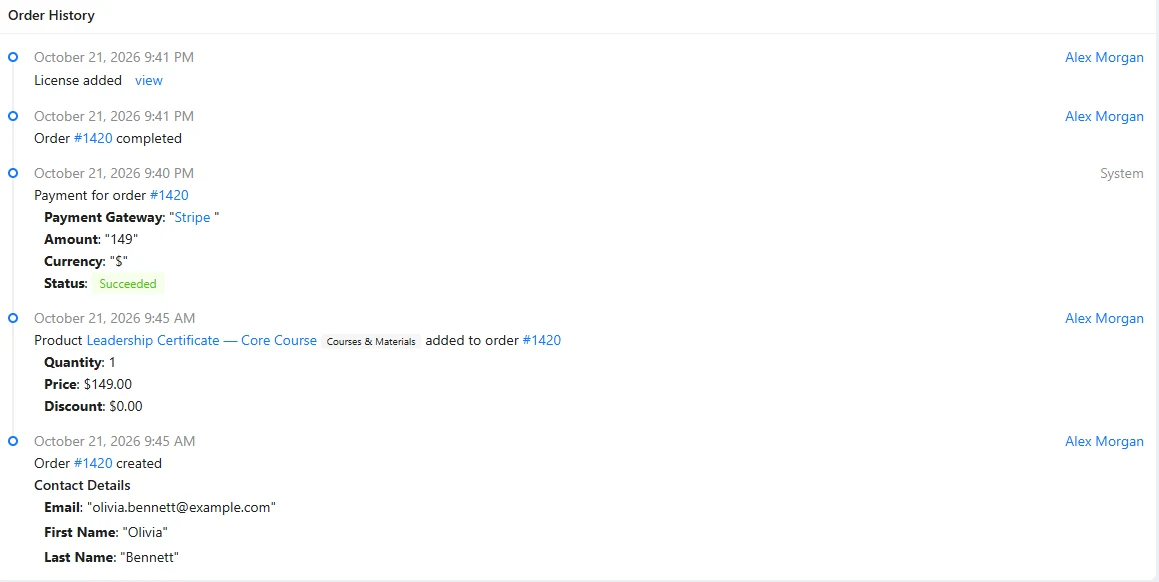
- Orders on the contact An order exists from the first checkout visit, with its UTM source. The CRM →
- Paid sessions The booking link goes out once the session is paid. Booking →
Take a first payment in ten minutes.
- 01 Connect a provider Stripe, PayPal or another, in its own currency. Settings → Payment Gateways
- 02 Create the product Price, comparison price and an order deadline. Sales → Products
- 03 Add the checkout Drop the checkout block on your page. Sites → your page
- 04 Make a test purchase The order appears with its UTM source. Sales → Orders
Create “Toolkit Pro” at $79 with a $19 order bump and a $149 one-click upsell, on a checkout page in my brand style. Then two scenarios: recover abandoned checkouts after 45 minutes, and a 7-day dunning sequence. Show me both graphs, activate nothing.
- 1. Creates “Toolkit Pro” at $79 with a $19 order bump and a $149 upsell.
- 2. Builds the checkout page in your brand style.
- 3. Builds two scenarios: abandoned checkout after 45 minutes and a 7-day dunning sequence.
- 4. Activates nothing.
Paste it into the AI Assistant inside AXL, or into Claude, ChatGPT or Cursor connected over MCP. The full seller setup →
What the platform takes from $5,000 of sales.
On top of the processing fee, some platforms keep a share of each sale. AXL keeps none.
| Platform | Platform fee | On $5,000 a month |
|---|---|---|
| AXL, every plan | 0% | $0 |
| Skool Hobby | 10% | $500 |
| Teachable Starter | 7.5% | $375 |
| Thinkific Basic, third-party gateway | 5% | $250 |
| Kajabi Basic, own Stripe | 2% | $100 |
| Circle, entry paid plan | 2% | $100 |
With the platform’s own payments, Kajabi takes 0% and Thinkific’s fee does not apply. Figures from each vendor’s pricing page; AXL plans on axl.tech/pricing.
Questions people ask.
No. AXL takes 0% of your revenue on every plan. Your payment provider charges its usual processing fee.
Stripe, PayPal, Square, Revolut Pay, Affirm, NMI, CyberSource, Mercado Pago and more, plus cash and bank transfer.
Yes, with any provider that can save cards. Set the period, a trial price and renewal limits; members can pause and resume.
Yes. An order can be paid in parts, and a payment and a deposit can use different providers.
No. AXL does not calculate tax or issue invoice documents.
Sell on your own pages, keep the whole sale.
Free plan, no card needed. Paid plans from $49 a month, 0% of your revenue.