

Your markup ships exactly as you wrote it.
Paste your HTML into a Custom page. Forms, checkout and the client’s CRM are already behind it.
Free plan, no card needed.
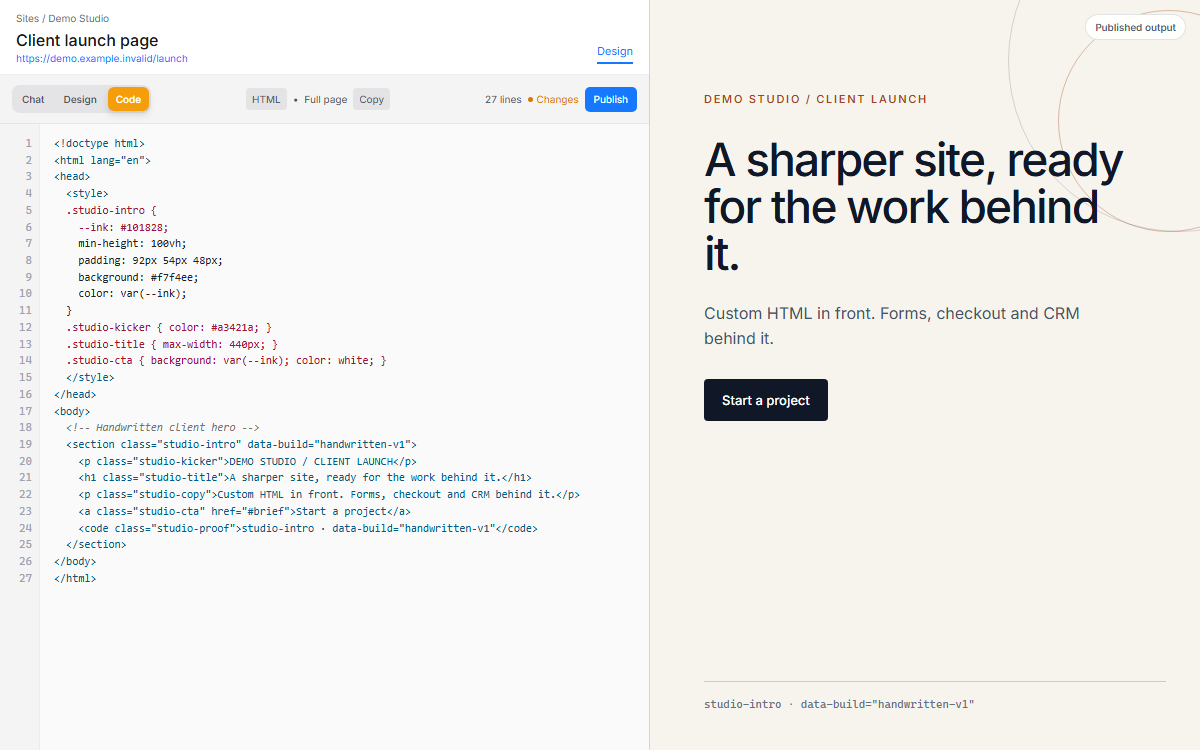
Edit the custom HTML and inspect the rendered result side by side.
Your HTML ships as written, with forms and a CRM behind it.
Paste your own markup into a Custom page. Forms, checkout, A/B tests and the client’s CRM are already there.
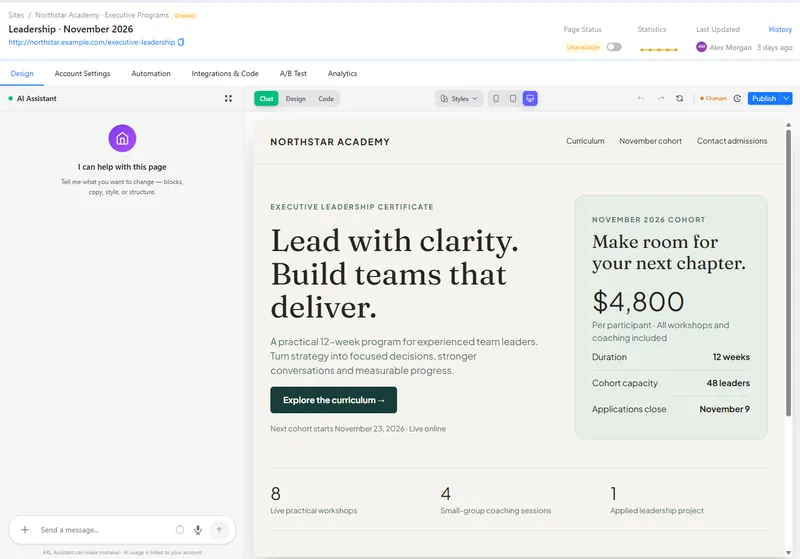
- Custom pages. Your head and body HTML, published unchanged.
- Forms. Lead forms and quizzes that create contacts.
- A/B tests. Page variations with their own stats.
- Domains. Connect the client’s domain; SSL is automatic.
Good to know: Each client has their own account and bill. There is no agency console.
Four parts of AXL a web designer uses.
- Website builder Custom pages, components and A/B tests. Website builder →
- Forms Forms and quizzes on any page. Forms →
- CRM Every lead with the page that produced it. CRM →
- Checkout Sell from any page. Payments →
A client site in two days.
- 01 Create the site Connect the domain; SSL issues itself. Sites → New
- 02 Add your pages Paste HTML or start from the AI builder. Site → Pages
- 03 Wire the form Form to a pipeline stage. Form → Settings
- 04 Hand it over Client admin login with limited rights. Settings → Admins
New site for my client on the brand style I just saved. Five pages from the outline below; home follows the structure (not the copy) of https://example.com/reference. A contact form on /contact creating a deal in “New leads”. Preview links, publish nothing.
- 1. Builds five pages on your saved brand style.
- 2. Lays out the home page like the reference site, with your own copy.
- 3. Adds a contact form that creates a deal in “New leads”.
- 4. Sends preview links and publishes nothing.
Paste it into the AI Assistant inside AXL, or into Claude, ChatGPT or Cursor connected over MCP. How the builder works →
One account to hand over in place of a page builder, a forms tool and a CRM.
The client pays one AXL plan.
| Job | Usual tool | Monthly | In AXL |
|---|---|---|---|
| Pages and checkout | ClickFunnels Launch | $97 | Pages, checkout |
| Forms | Typeform Plus | $79 | Forms and quizzes |
| CRM | Pipedrive Growth | $49 per seat | Contacts and deals |
| All of it | AXL | From $49 | Starter includes one admin and 5,000 contacts |
Vendor prices from their own pricing pages, billed monthly. AXL rates and usage allowances on axl.tech/pricing.
Questions people ask.
No. A Custom page publishes the markup you save. Lead forms and checkout blocks need their class names kept.
Each client is a separate account. You can export pages and blocks from one account into another.
Titles, descriptions, nested URLs, robots.txt, sitemap, noindex, Open Graph, redirects and SSL.
Give them a role with only the rights they need.
Build a client site in AXL.
Free plan, no card needed. Paid plans from $49 a month.
Also for: Bloggers · Coaches · Communities · Consultants · Creators · Online schools · Sellers · Small business