

Your business phone, inside your CRM.
Buy a number, call from your browser and keep the conversation on the contact.
Business numbers in the US and Canada.
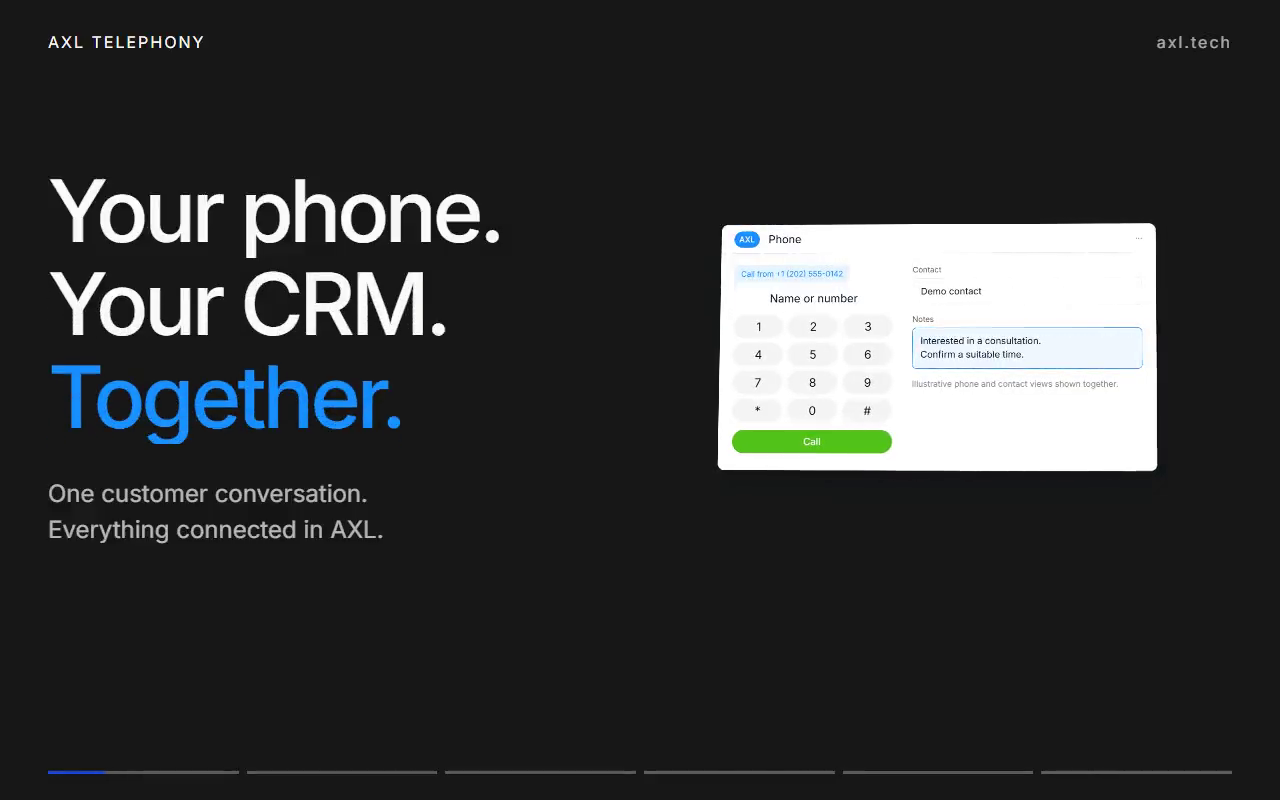
Preview ready
Calls next to the customer, not in another app.
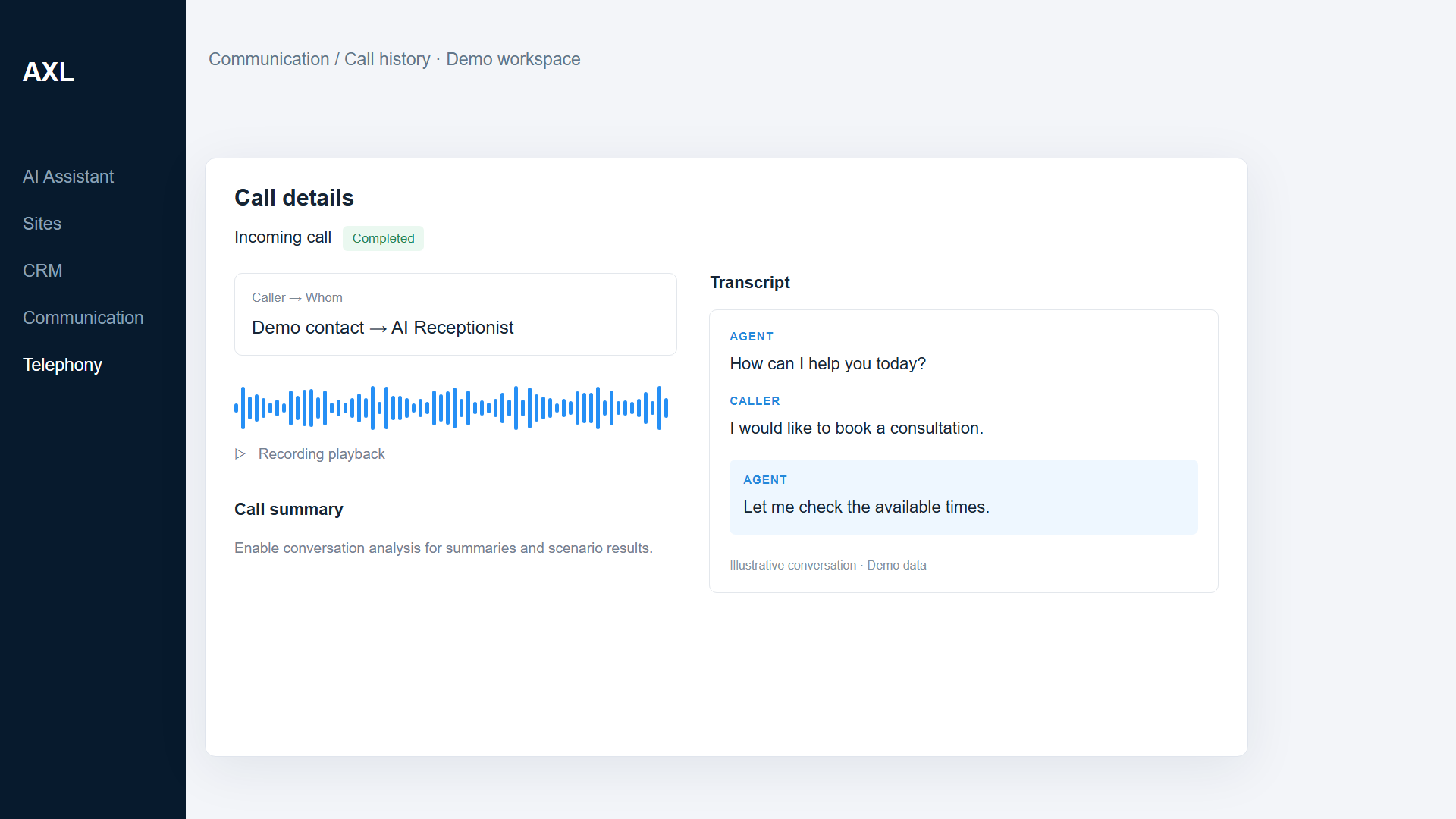
Every call lands in shared history and on the contact, with the recording, transcript and next step.
- Numbers. Buy a US or Canada number and choose who answers.
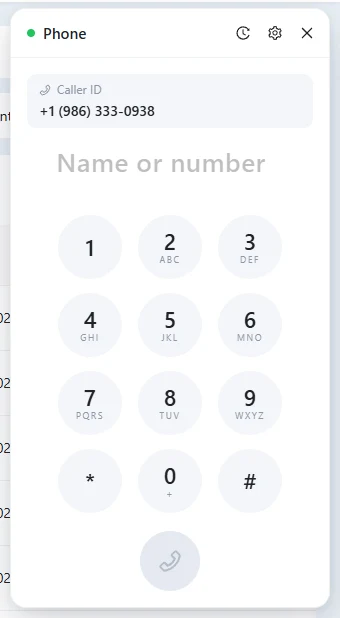
- Browser phone. Call with a headset; no desk phone needed.
- Recordings. Listen again, read the transcript, add an AI summary.
- Next step. A task, a message or a webhook after the call.
Good to know: Number rental, calls, SMS and AI analysis are charged separately from the plan.
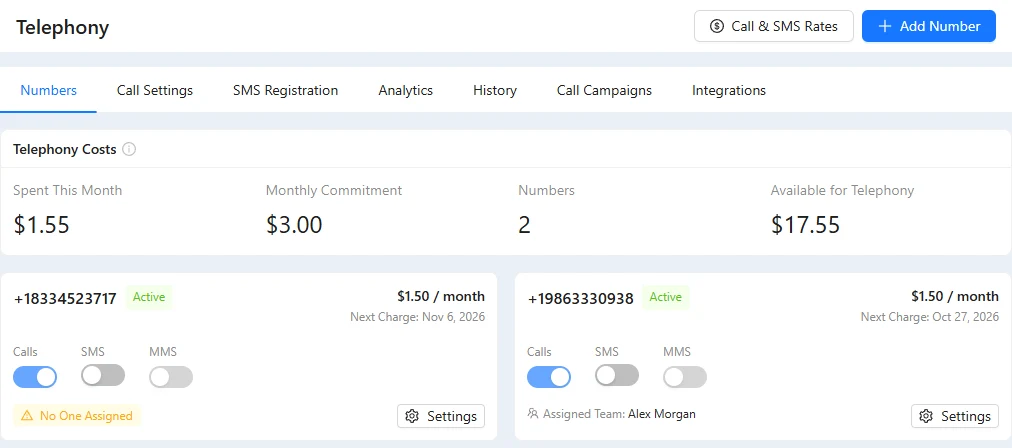
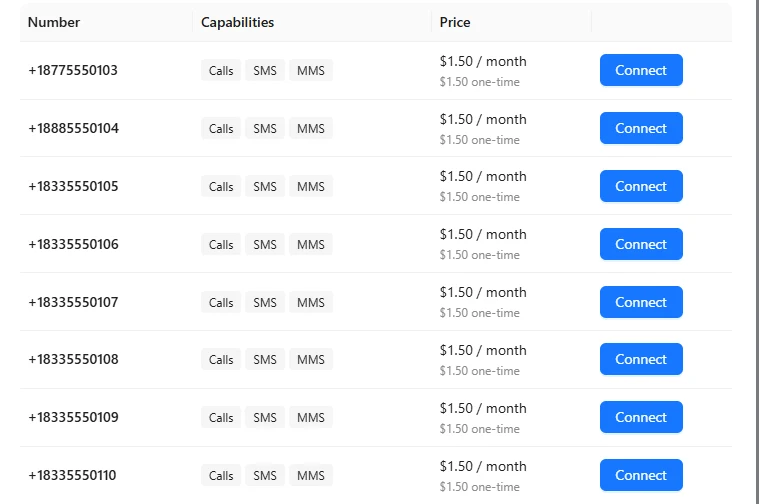
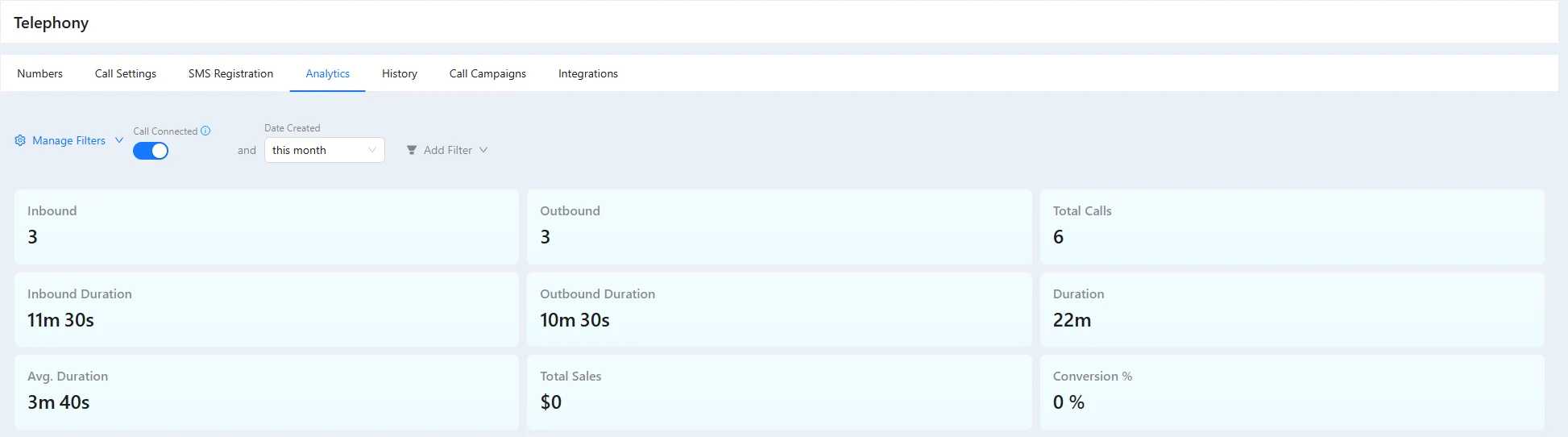
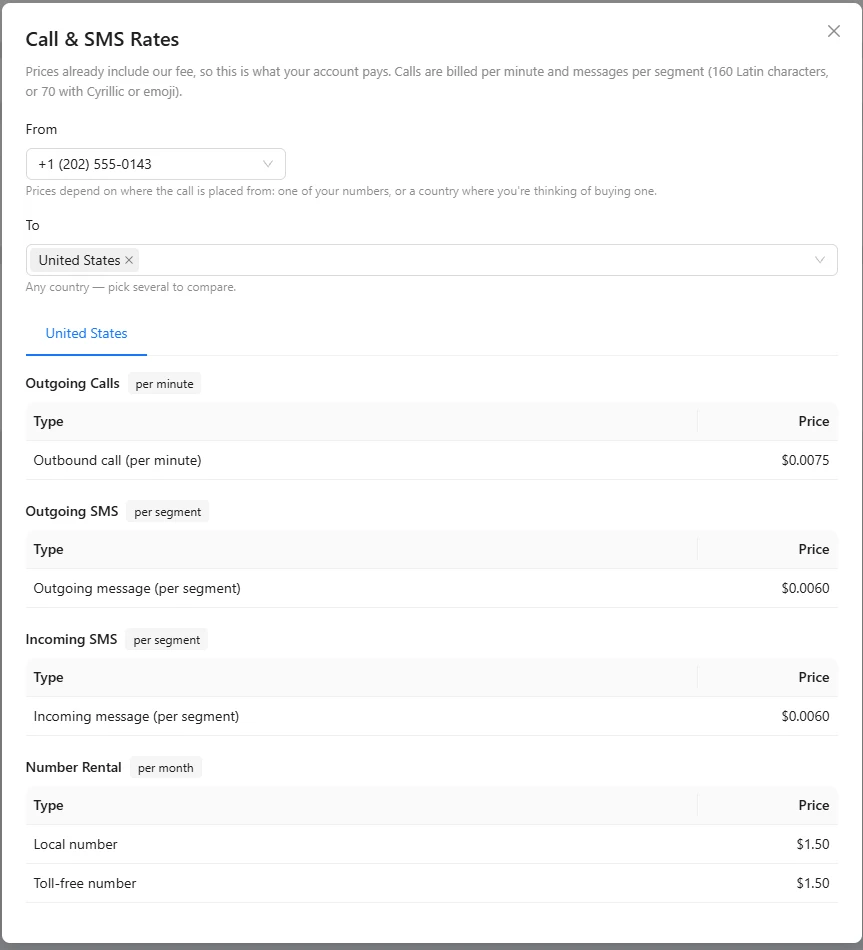
Numbers, calls and rates in one place.
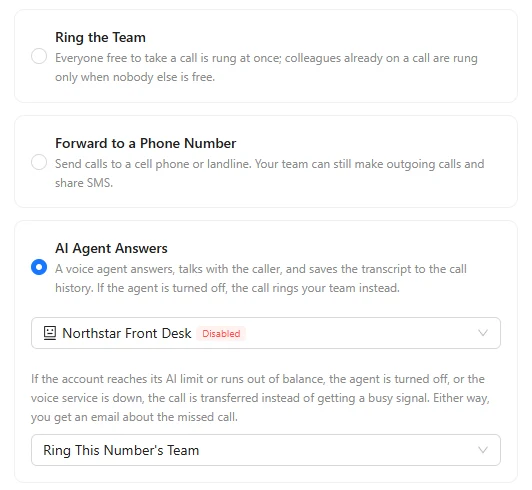
Screens from a demo academy account. Open any of them to see it full size.
After the call, the work continues.
- Voice agent Route a number to an AXL voice agent that answers for you. Voice AI →
- On the contact Calls appear on the contact timeline and in shared history. The CRM →
- Follow-up After an answer, no answer or voicemail, start a task or a message. Automations →
- Other systems Pass the call result to another tool with a webhook. Webhooks →
From a number to the first call.
You buy the number yourself; the assistant can read rates and set up routing.
- 01 Choose a number Check the purchase and usage price first. Telephony → Add number
- 02 Choose who answers Your team, a forward, or a voice agent. Number → Settings
- 03 Make the first call Pick a contact and your caller ID. Browser phone
Show my phone numbers and who answers each. Route the studio number to our receptionist and explain the call rates.
- 1. Lists your numbers and who answers each one.
- 2. Routes the studio number to your receptionist agent.
- 3. Explains the call and SMS rates.
Paste it into the AI Assistant inside AXL, or into Claude, ChatGPT or Cursor connected over MCP. What an agent can do →
A business phone for three people, per month.
Three numbers and 1,000 minutes of US calls. Phone systems charge per user; on AXL you pay for the numbers and the minutes.
| Option | Per month | What the price covers |
|---|---|---|
| AXL phones, on a plan you already have | ≈ $24 | 3 numbers and 1,000 minutes with recording |
| AXL Starter with phones | ≈ $103 | Phones, plus CRM, email, chat, booking and sites |
| Quo Starter | $84 | Phone system, one number per user |
| RingCentral Core | $90 | Phone system with meetings and team chat |
| Aircall Essentials | $120 | Call-center phone system, minimum 3 licenses |
AXL: about $1.50 per US number and $0.0195 per US minute with recording, an estimate; Starter is $49 with one admin plus two at $15. Quo $28, RingCentral $30 and Aircall $40 per user. From quo.com, ringcentral.com and aircall.io pricing pages; AXL estimate on axl.tech/pricing.
Questions people ask.
No. The browser phone uses your computer microphone or headset.
Yes. Route the number to an enabled AXL voice agent.
Recordings, transcripts and AI analysis are processed after the call. They depend on your settings and account balance.
Number rental, calls, SMS and AI usage are charged separately. See the live prices in Telephony or the estimate on the pricing page.
Not always. SMS on a number needs its own registration.
Your team, one business phone.
Free plan, no card needed. Numbers and calls are charged by use.
Ready for your
next conversation?
A business number, your customer context and the next step. All in the same workspace.
Number purchase, rental and calling usage are charged separately.