

Pages that sell, on your domain, wired to the CRM behind them.
Drag elements onto the page, or paste your own HTML. Every form and checkout writes into your CRM: one account, one contact record, no connector.
Free plan, no card needed.
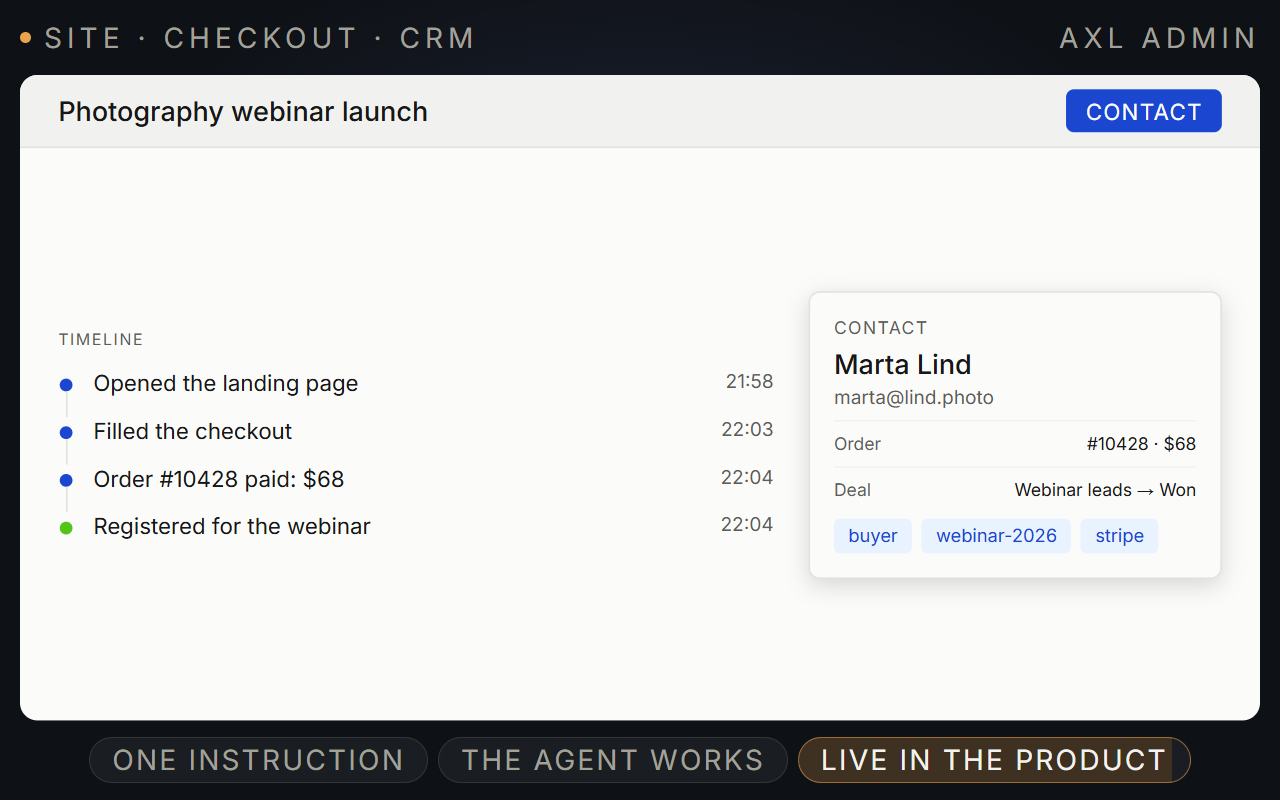
Build the page, take the payment, keep the lead.
Describe the page to AXL or edit it visually. Forms, quizzes and checkout write into the same CRM.
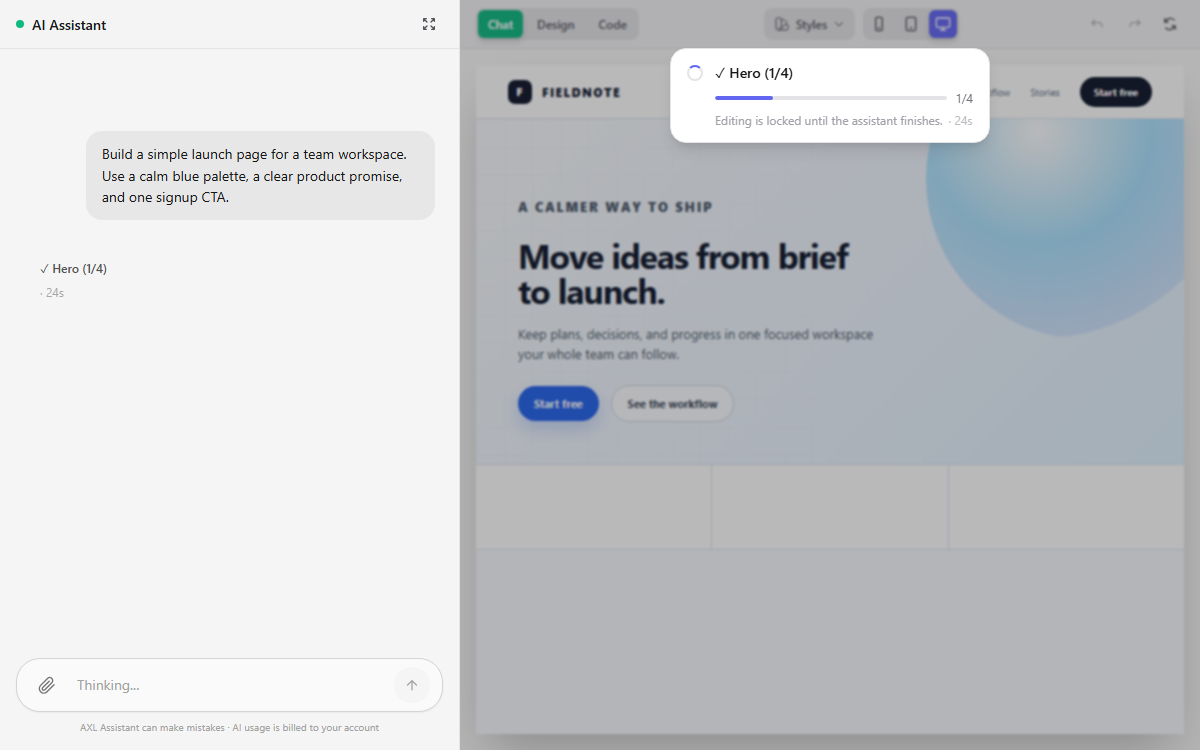
- Build. With AI, drag and drop, or your own HTML and CSS.
- Sell. Checkout, promo codes and order bumps on the page.
- Capture. Forms and quizzes write into the contact.
- Improve. A/B tests, page analytics, scroll maps and UTM.
Good to know: Pages are server-rendered, so search engines get real HTML.
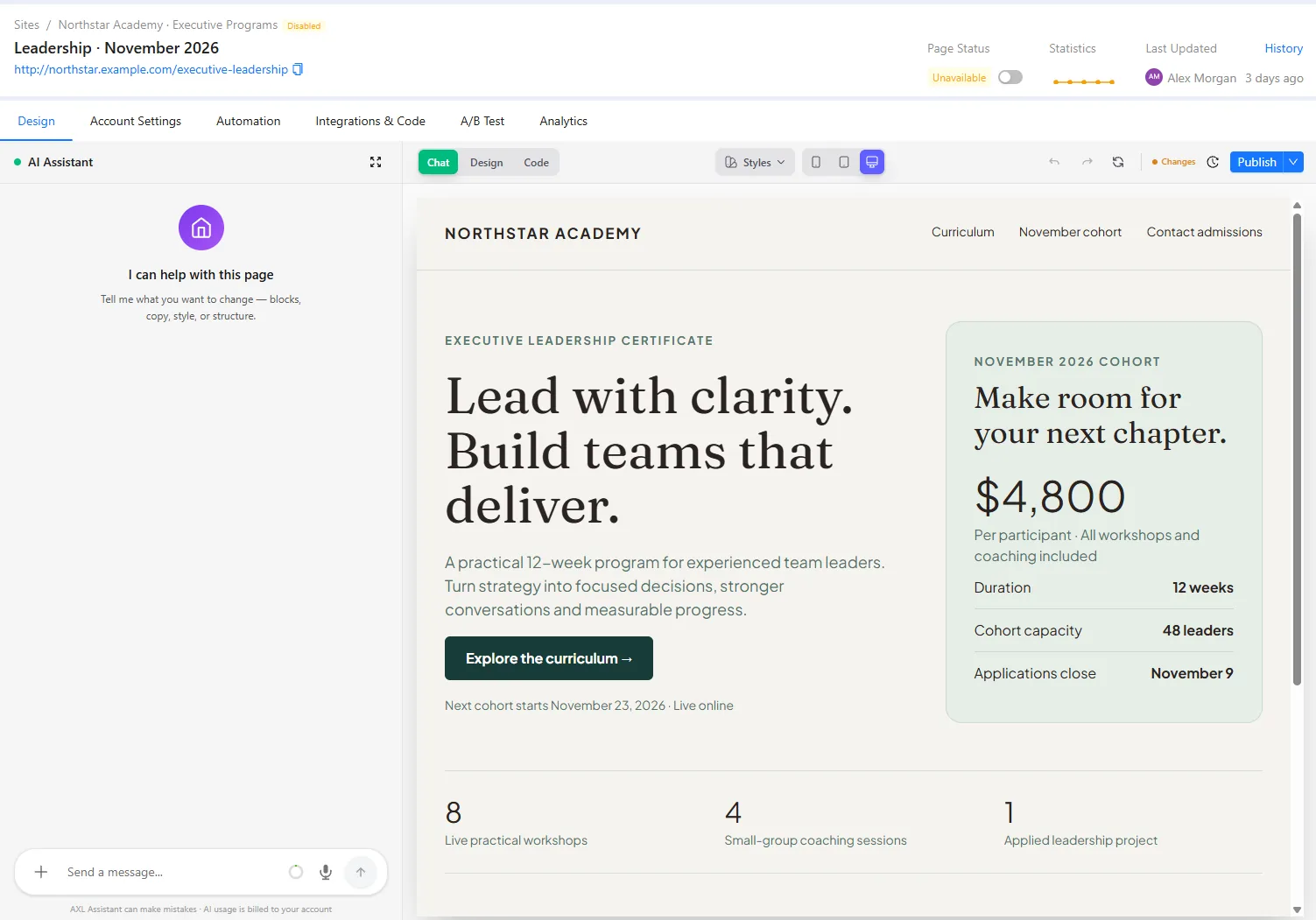
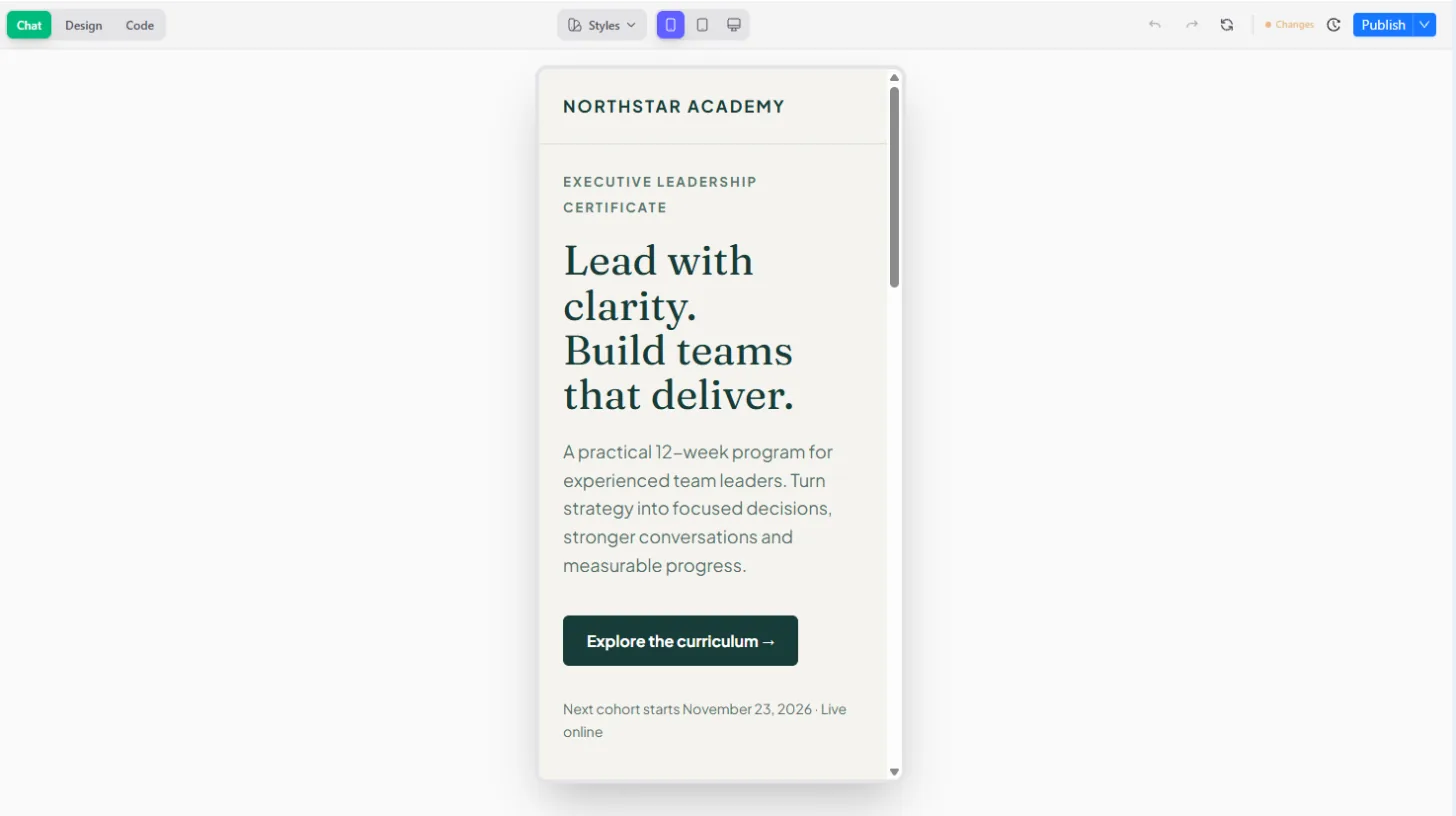
The page editor, forms, tests and page analytics.
Screens from a demo academy account. Open any of them to see it full size.
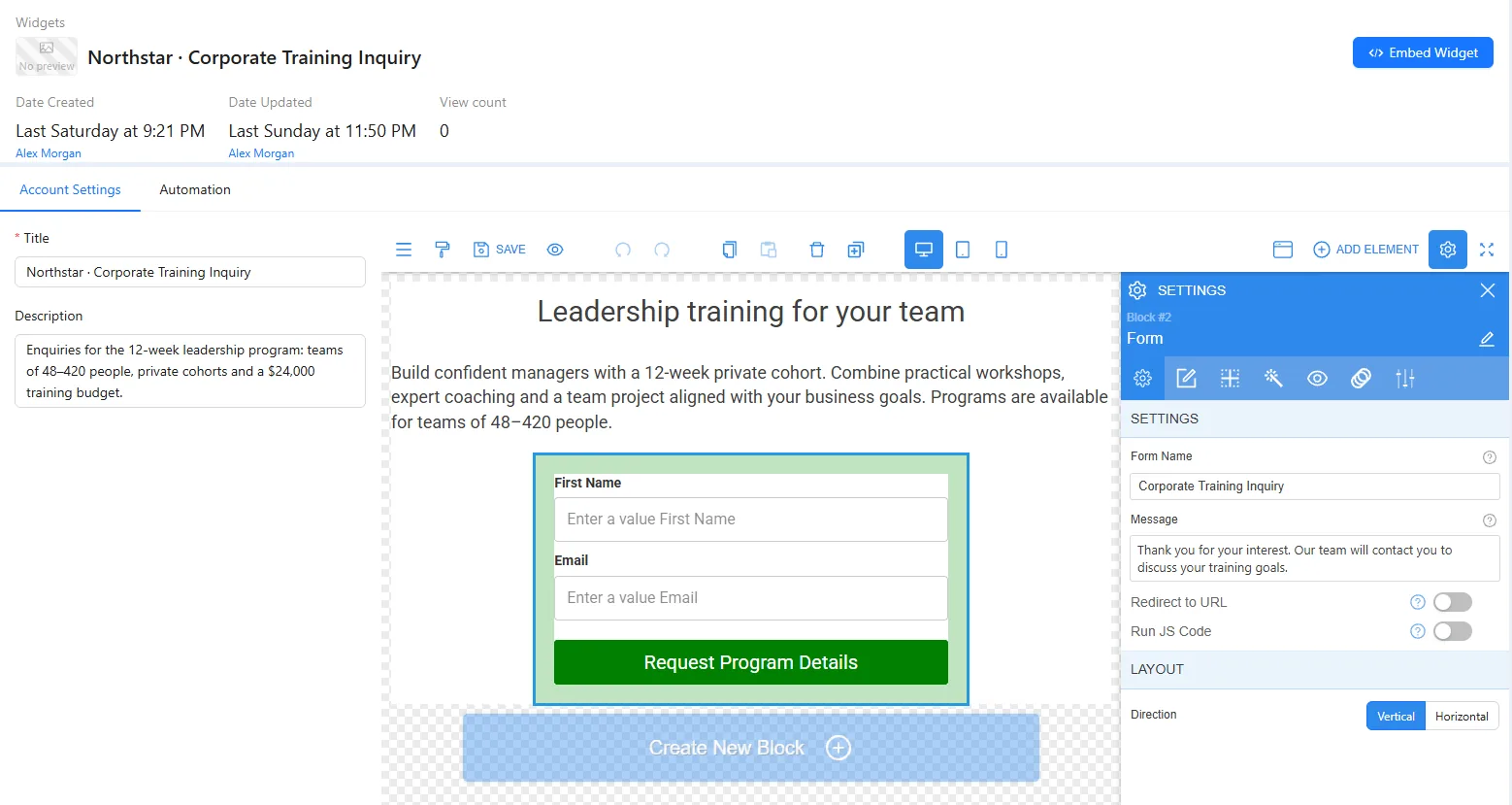
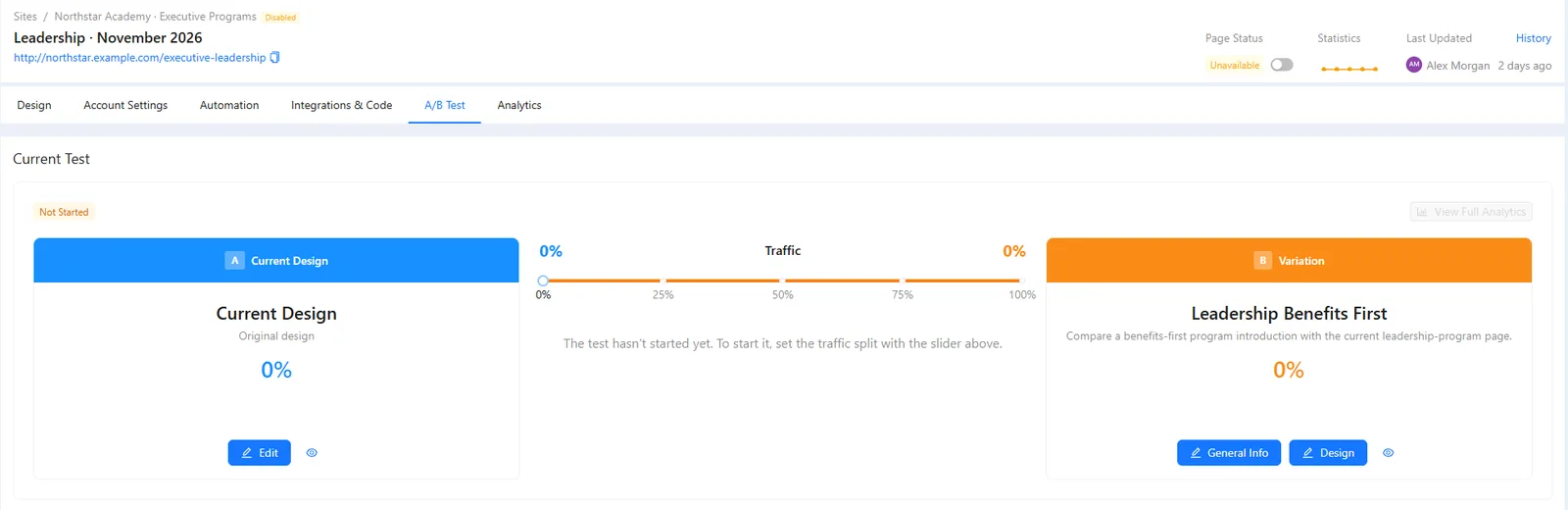
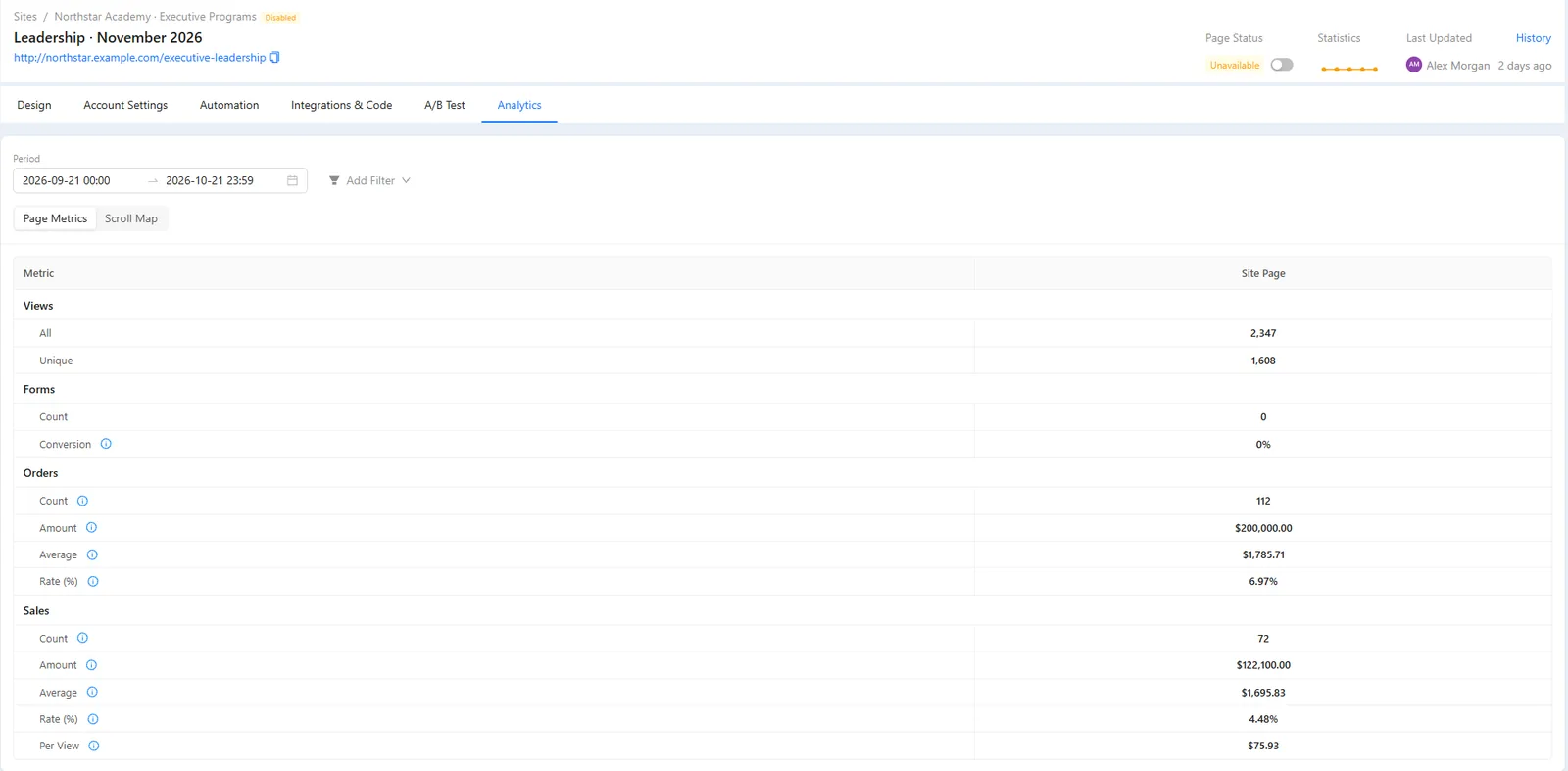
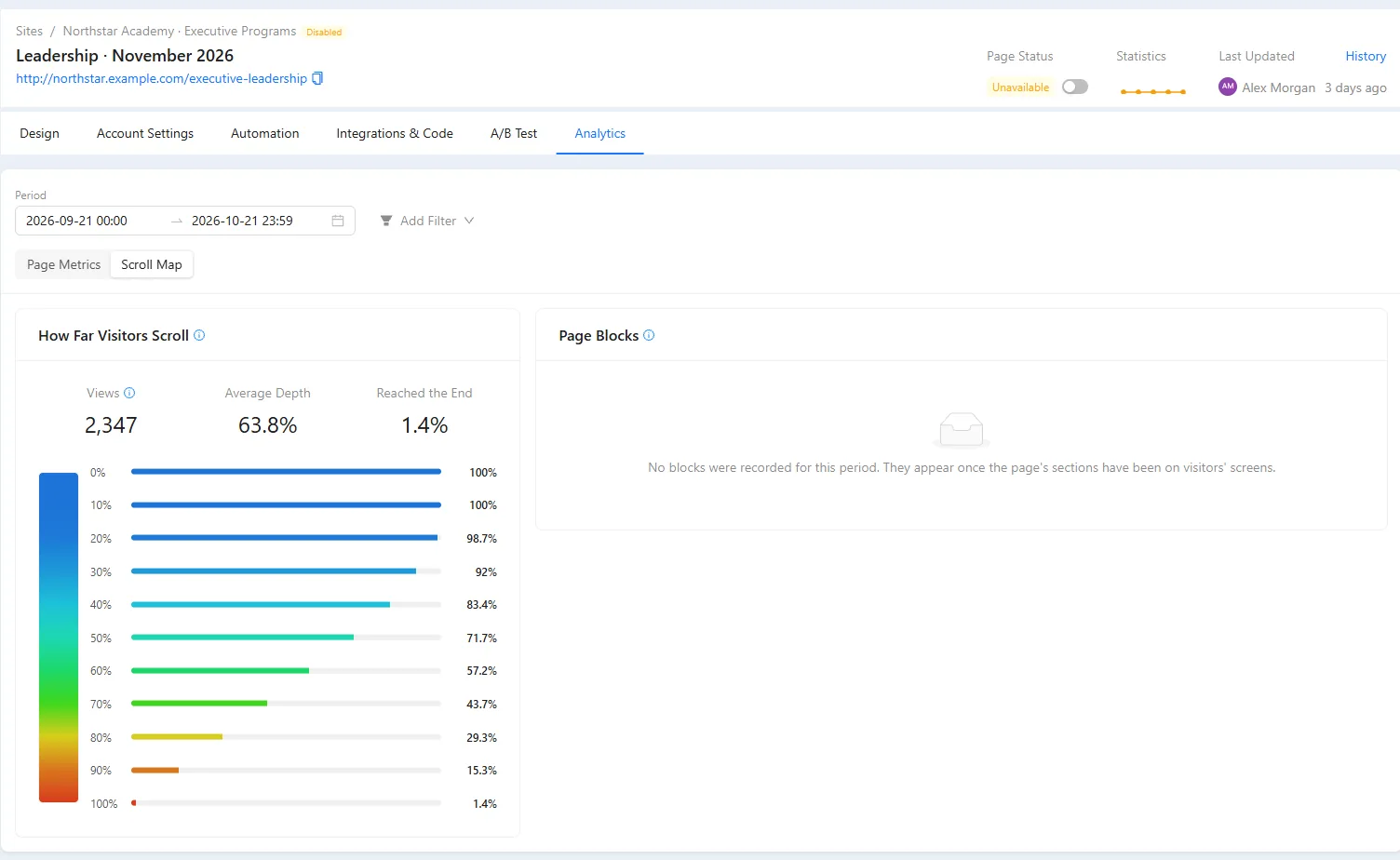
Ready for search and for sales.
- Your domain Point an A record or use a free subdomain. SSL is automatic.
- SEO basics robots.txt, sitemap, Open Graph, redirects and per-page noindex. SEO guides →
- Head code Analytics, pixels or schema at account, site or page level.
- Leads in the CRM Every form and order lands on the contact. The CRM →
From domain to published page.
- 01 Add the domain Or take a platform subdomain. Settings → Domains
- 02 Add the page A page under /blog lands at /blog/your-post. Sites → Pages
- 03 Build it From a template, by hand, in HTML or with AI. The page editor
- 04 Preview the draft The preview link is private. Page → Preview
- 05 Publish Visitors see the published copy while you keep editing. Page → Publish
Create a page at /webinar with a hero, three benefit blocks, a short FAQ and a lead form for name and email, in my default brand style. Do not publish. Send me the preview link.
- 1. Builds the /webinar page: hero, three benefits, FAQ and a lead form.
- 2. Uses your saved brand style.
- 3. Publishes nothing and sends you the preview link.
Paste it into the AI Assistant inside AXL, or into Claude, ChatGPT or Cursor connected over MCP. What an agent can do →
Pages, checkout and CRM for half the price of a funnel builder.
| Platform | Per month | What the price covers |
|---|---|---|
| AXL Starter | $49 | Sites, checkout, 5,000 contacts, CRM, email, courses and automations |
| ClickFunnels Launch | $97 | Funnels, 10,000 contacts, 3 courses |
From clickfunnels.com/pricing. Full comparisons: vs ClickFunnels, vs Kajabi.
Questions people ask.
Either. Custom pages take raw HTML and CSS as they are. Keep the class names on forms and checkout blocks, or they stop submitting.
Pages are server-rendered, with robots.txt, a sitemap, Open Graph and per-page noindex built in. Add the canonical tag yourself in the page head.
A blog is a set of pages under a /blog parent. Category and tag pages are pages you keep up yourself.
Yes, page by page. Paste your HTML into a Custom page or rebuild it in the editor. What moves over →
Build the page. Keep the customer.
Free plan, no card needed. Paid plans from $49 a month.